Photo to Emoji Converter: Turn Any Photo into a Custom Emoji
Upload a picture to photo to emoji converter, generate a polished emoji, and use it as a profile icon, reaction image, sticker, or creative visual in seconds.
Photo to emoji converter helps you transform portraits, pets, objects, and fun moments into clean emoji-style icons. Use photo to emoji AI to keep the subject recognizable while giving it a cute, rounded, expressive look. Photo to emoji converter online free is ideal for fast custom emoji creation.
How to Use Photo to Emoji Converter in 3 Steps
Photo to emoji converter follows a simple workflow: upload a reference image, choose basic output settings, and generate. Use image to emoji converter when you want to convert image to emoji without writing complex prompts, and use photo to emoji AI when you want the result to stay close to the original photo. Photo to emoji converter online free is useful for quick testing, and photo to emoji converter can support repeated creative attempts.

Upload Your Reference Image
Start photo to emoji converter by uploading a clear JPG or PNG. The image to emoji converter works best when the main subject is visible, well lit, and not blocked by heavy blur. You can drag and drop a file or select one from your asset library, then photo to emoji AI reads the subject as the reference for the final emoji. Photo to emoji converter works best with one clear focal subject, and photo to emoji converter keeps the reference simple for cleaner output.
Choose Basic Output Settings
Pick the image size that fits your use case, choose the output quality, set how many versions you want, and decide whether the result should be public. These simple options help photo to emoji converter keep the workflow focused while image to emoji converter prepares an emoji that is easy to preview, compare, and reuse. Photo to emoji converter also lets you control whether you need one draft or several ideas before choosing the final emoji.

Generate Your Emoji
Click Generate Image and let photo to emoji AI turn photo into emoji with rounded shapes, clear expression, and a clean icon feel. Photo to emoji converter keeps the subject centered, removes visual noise, and produces a ready-to-use result you can download, share, or refine with another upload. Photo to emoji converter online free makes this step direct, while AI photo to emoji generator output gives you a playful result from the same reference.
Why Creators Use Photo to Emoji Converter
Photo to emoji converter is not just a visual filter. It helps users capture identity, emotion, and context from real photos, then reshape them into custom emoji visuals. Image to emoji converter and photo to emoji AI make the process practical for personal use, content creation, communities, and lightweight design tasks. Photo to emoji converter also helps keep each output focused on a single clear subject.
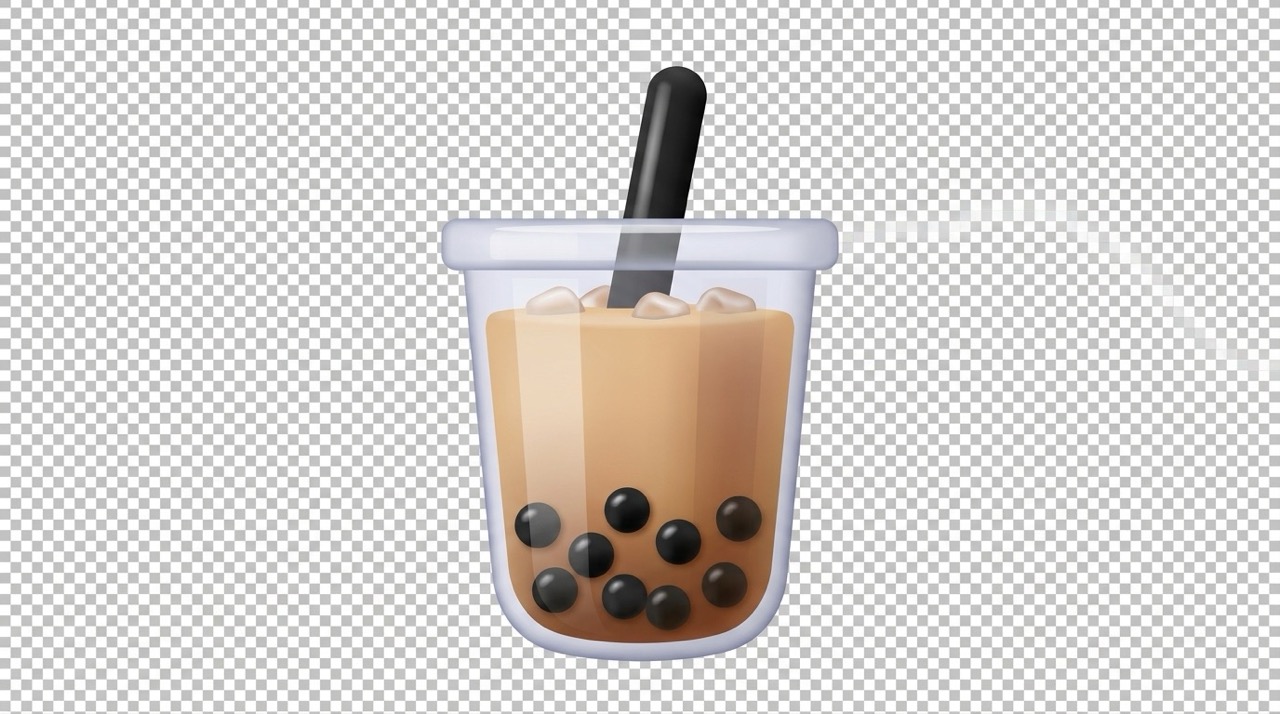
Create a Recognizable Emoji from Any Photo
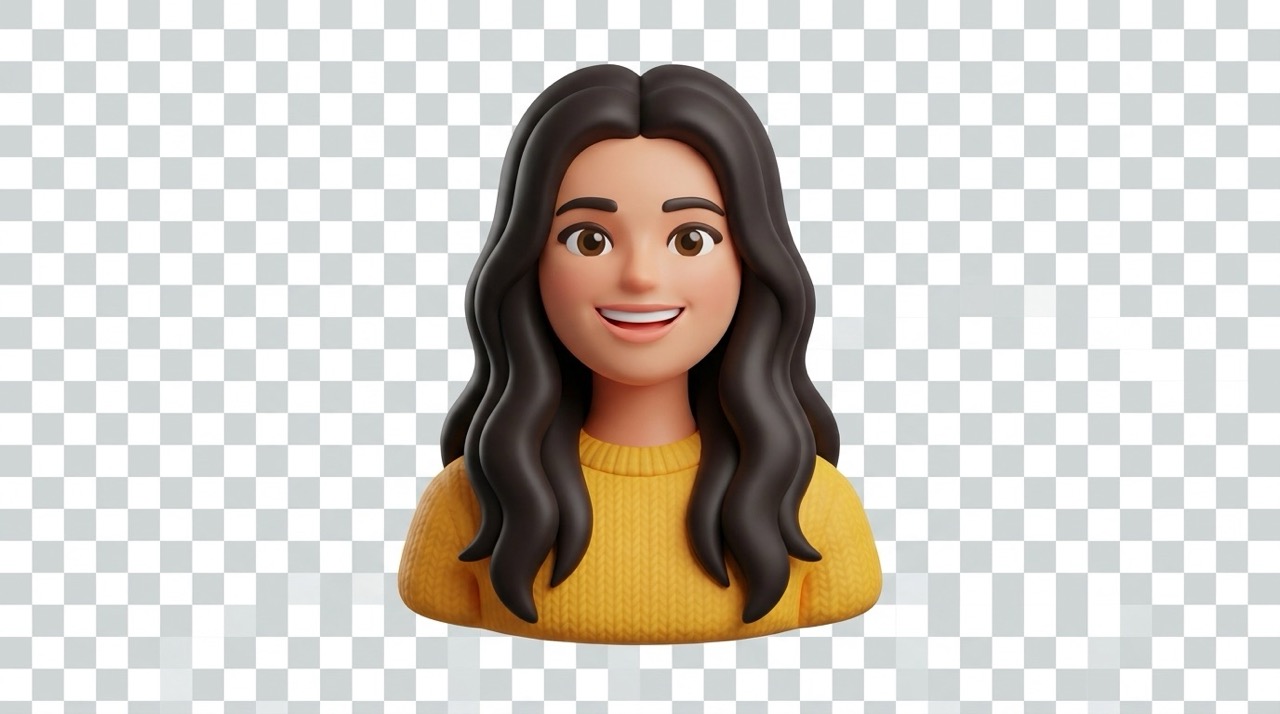
A good emoji should feel simple, but it should still look like the person, pet, product, or object in your original image. Photo to emoji converter keeps key details such as expression, pose, outfit, fur color, object shape, and memorable features, then simplifies them into a cute icon. This makes image to emoji converter useful for profile pictures, chat reactions, community badges, and playful campaign visuals. If you want to make emoji from photo without losing personality, photo to emoji AI gives the subject a polished emoji look while preserving the details users recognize first. Photo to emoji converter is built for this kind of fast, recognizable transformation. When you need to turn photo into emoji for a personal icon, photo to emoji converter keeps the face or object readable.

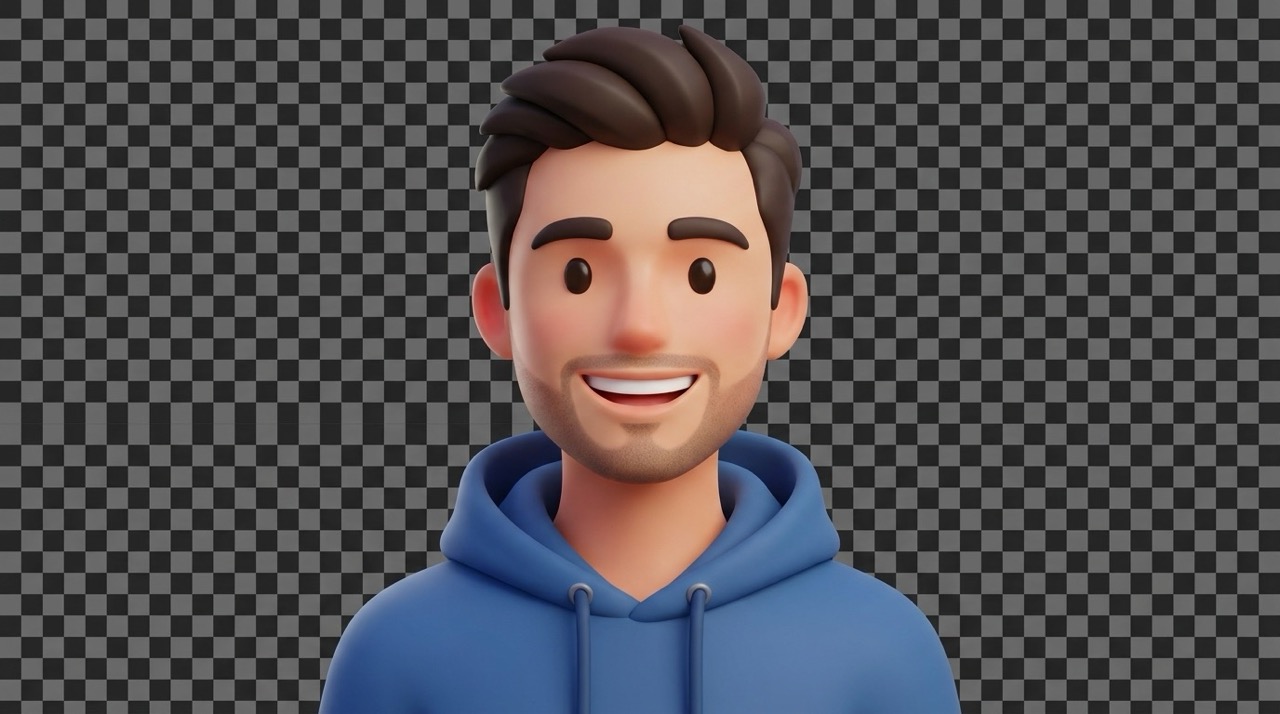
Turn Photos into Shareable Reactions
Personal reactions work better when they are clear at a glance. Photo to emoji converter turns selfies, pets, food shots, toys, and everyday objects into expressive visuals that can stand in for laughter, surprise, celebration, or a private joke. Use photo to emoji AI when you want to turn photo into emoji for comments, messages, livestream overlays, or group chats. Image to emoji converter also helps teams and creators build a consistent set of custom reactions from real photos instead of using generic icons. Photo to emoji converter is built for this kind of fast, recognizable transformation. Photo to emoji converter online free is helpful when you want to test a reaction idea before sharing it.
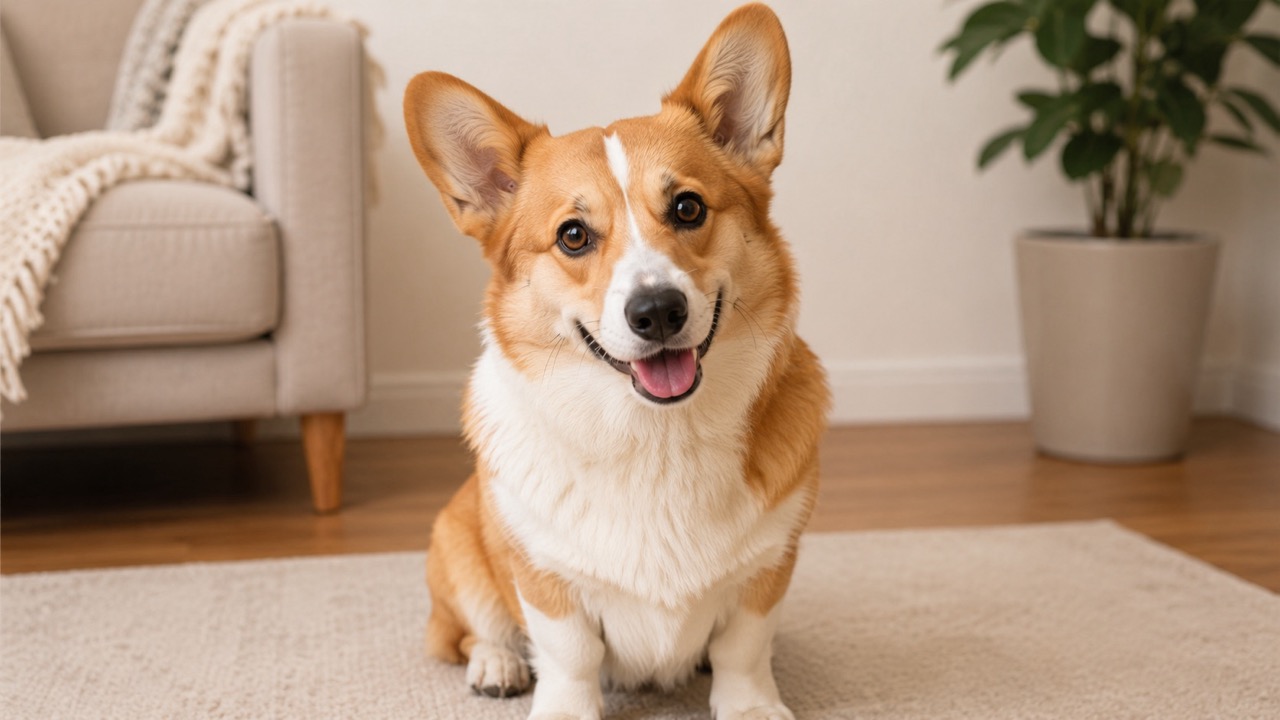
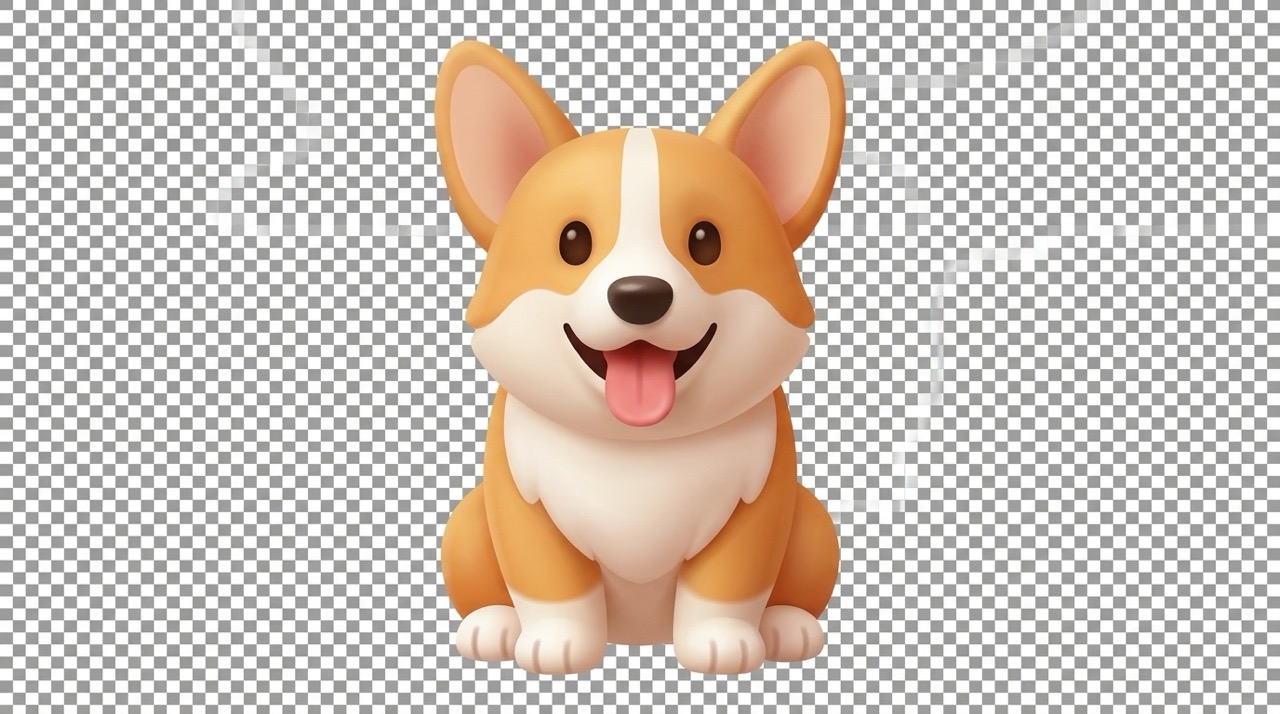
Build Custom Emoji Assets Faster
Designing custom emoji assets manually can take time, especially when each icon needs to look clean, cute, and consistent. Photo to emoji converter gives creators a faster starting point: upload a reference, generate an emoji-style version, then use the result in chats, thumbnails, mood boards, product pages, or social posts. With image to emoji converter, you can convert image to emoji for people, animals, objects, and small brand moments without creating every shape from scratch. Photo to emoji AI helps keep the result friendly, centered, and ready for quick reuse. Photo to emoji converter is built for this kind of fast, recognizable transformation. AI photo to emoji generator results are especially useful when you need to make emoji from photo collections quickly.
Who Can Use Photo to Emoji Converter?
Photo to emoji converter works for anyone who wants a personal, memorable emoji based on a real image. Use image to emoji converter for object-based reactions, photo to emoji AI for portraits, and AI photo to emoji generator workflows when you need quick creative variations. Photo to emoji converter online free also helps new users test an idea before building a full set.

Profile Icons and Personal Avatars
Photo to emoji converter helps users create profile icons that feel more personal than a plain selfie. Upload a portrait, let photo to emoji AI simplify the face into a friendly emoji, and use the result for accounts, contact cards, or creator profiles. It is an easy way to turn photo into emoji while keeping your most recognizable features. Photo to emoji converter keeps the process simple for quick visual creation.

Pet Emojis and Object Emojis
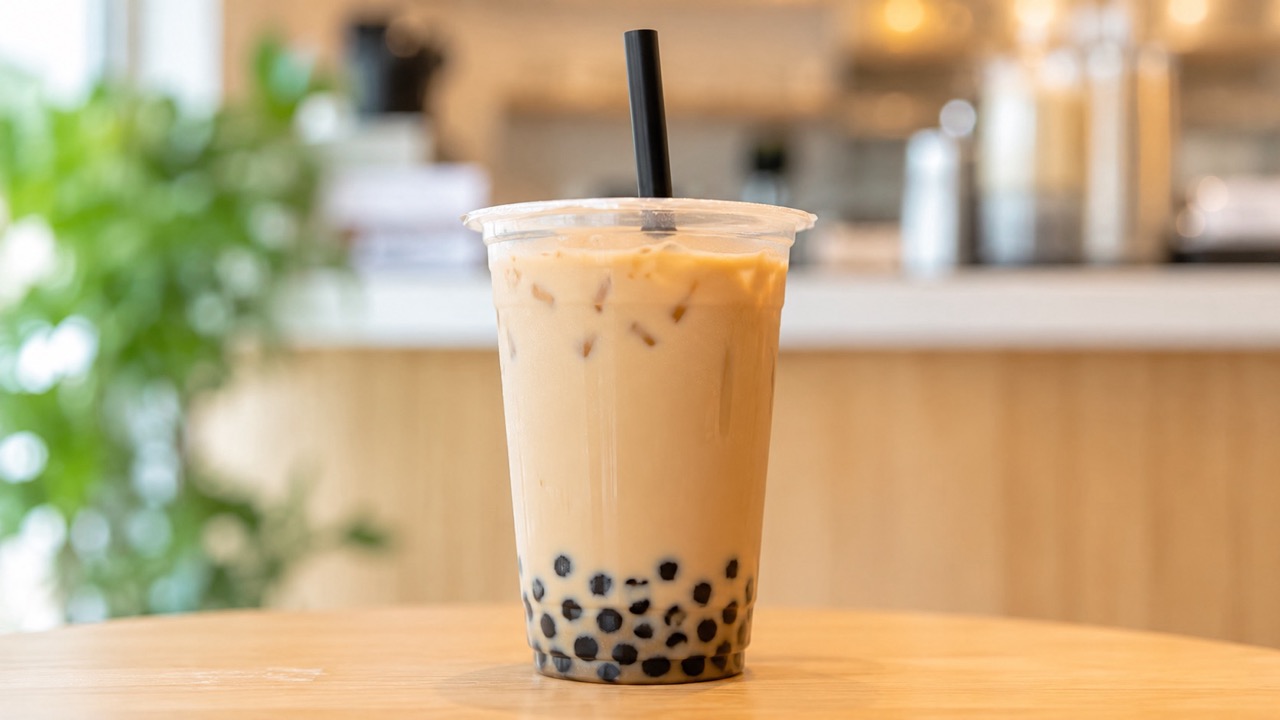
A favorite pet, toy, snack, or product can become a custom reaction. Photo to emoji converter reads the main subject and turns it into a playful emoji icon. Use image to emoji converter to convert image to emoji for cats, dogs, gifts, collectibles, or everyday objects that deserve their own expressive version. Photo to emoji converter keeps the process simple for quick visual creation. This is a practical way to convert image to emoji without drawing each version manually.

Community Reactions and Chat Stickers
Groups often build their own visual language. Photo to emoji converter makes it easier to create reaction images from inside jokes, team moments, event photos, and member portraits. With photo to emoji AI, you can make emoji from photo and create a set of expressive icons that feels specific to your community. Photo to emoji converter keeps the process simple for quick visual creation.

Social Posts and Creative Content
Creators need quick visuals that feel fun and recognizable. Photo to emoji converter can turn a photo into a small character-like icon for captions, thumbnails, announcements, or playful edits. AI photo to emoji generator support makes the result easier to adapt when you need a friendly visual based on a real image. Photo to emoji converter keeps the process simple for quick visual creation. Photo to emoji AI keeps the subject expressive, and image to emoji converter keeps the workflow simple.
What Users Say About Photo to Emoji Converter
People use photo to emoji converter for avatars, pet emojis, chat reactions, and creative posts. Image to emoji converter, photo to emoji AI, and AI photo to emoji generator workflows help users create personal visuals from real photos. Photo to emoji converter also makes small visual ideas easier to test.
I used photo to emoji converter for a group chat icon, and it kept my face recognizable without looking like a normal selfie. The image to emoji converter result felt cute and polished, and photo to emoji AI made the expression much clearer than I expected. Photo to emoji converter felt simple enough for a first try.
I used photo to emoji converter for a group chat icon, and it kept my face recognizable without looking like a normal selfie. The image to emoji converter result felt cute and polished, and photo to emoji AI made the expression much clearer than I expected. Photo to emoji converter felt simple enough for a first try.
I wanted to make emoji from photo of my dog, and photo to emoji converter handled the fur color and ears really well. I also tried photo to emoji converter online free for a few object shots, and the results worked perfectly as chat reactions. I would use photo to emoji converter again for new pet moods.
I wanted to make emoji from photo of my dog, and photo to emoji converter handled the fur color and ears really well. I also tried photo to emoji converter online free for a few object shots, and the results worked perfectly as chat reactions. I would use photo to emoji converter again for new pet moods.
For content planning, photo to emoji converter saves me time. I can upload a reference, use photo to emoji AI to create a clean icon, and then test it in thumbnails. AI photo to emoji generator output gives me a strong starting point for playful visuals. Photo to emoji converter online free also helps me test ideas before a full post. Image to emoji converter also fits my workflow for quick references.
For content planning, photo to emoji converter saves me time. I can upload a reference, use photo to emoji AI to create a clean icon, and then test it in thumbnails. AI photo to emoji generator output gives me a strong starting point for playful visuals. Photo to emoji converter online free also helps me test ideas before a full post. Image to emoji converter also fits my workflow for quick references.
I needed to convert image to emoji for a small community event, and image to emoji converter gave us a consistent look. Photo to emoji converter made every portrait feel friendly, while photo to emoji AI kept the original expressions easy to read. AI photo to emoji generator results were clear enough for our event chat.
I needed to convert image to emoji for a small community event, and image to emoji converter gave us a consistent look. Photo to emoji converter made every portrait feel friendly, while photo to emoji AI kept the original expressions easy to read. AI photo to emoji generator results were clear enough for our event chat.


FAQs About Photo to Emoji Converter
Here are quick answers about photo to emoji converter, image to emoji converter, and photo to emoji AI so you can upload, generate, and use your emoji with fewer decisions. Photo to emoji converter, image to emoji converter, and photo to emoji AI all support a quick image-first workflow.
Upload a clear reference image, choose the basic output settings, and click Generate Image. Photo to emoji converter will create an emoji-style result based on the main subject. Photo to emoji converter handles the visual simplification for you.
Use portraits, pet photos, objects, food images, or product shots. Image to emoji converter works best when the subject is clear, centered, and not hidden by heavy blur. Image to emoji converter can also help when you need to convert image to emoji from an object photo.
Yes. Photo to emoji AI is designed to preserve key identity details while simplifying the subject into a rounded emoji style. Photo to emoji AI balances likeness with a cute icon style.
Yes. You can convert image to emoji for people, pets, objects, and simple scenes. The clearest main subject usually creates the best result. Photo to emoji converter works well when the subject shape is easy to identify.
For the best emoji, use one clear main subject. Photo to emoji converter can focus on the clearest subject if several appear in the image. Photo to emoji converter is better when faces are not too small.
You can use the generated emoji for personal profiles, social posts, chat reactions, mood boards, or creative projects, depending on your image rights. Photo to emoji converter gives you a flexible custom visual for many casual uses.
Create Your Custom Emoji with Photo to Emoji Converter
Upload a favorite image and let photo to emoji converter turn it into a clean, expressive emoji. Try photo to emoji converter online free, use photo to emoji AI for portraits, or choose image to emoji converter when you want to make emoji from photo, pet, product, or object references. Photo to emoji converter is designed for fast, memorable emoji visuals from real images.