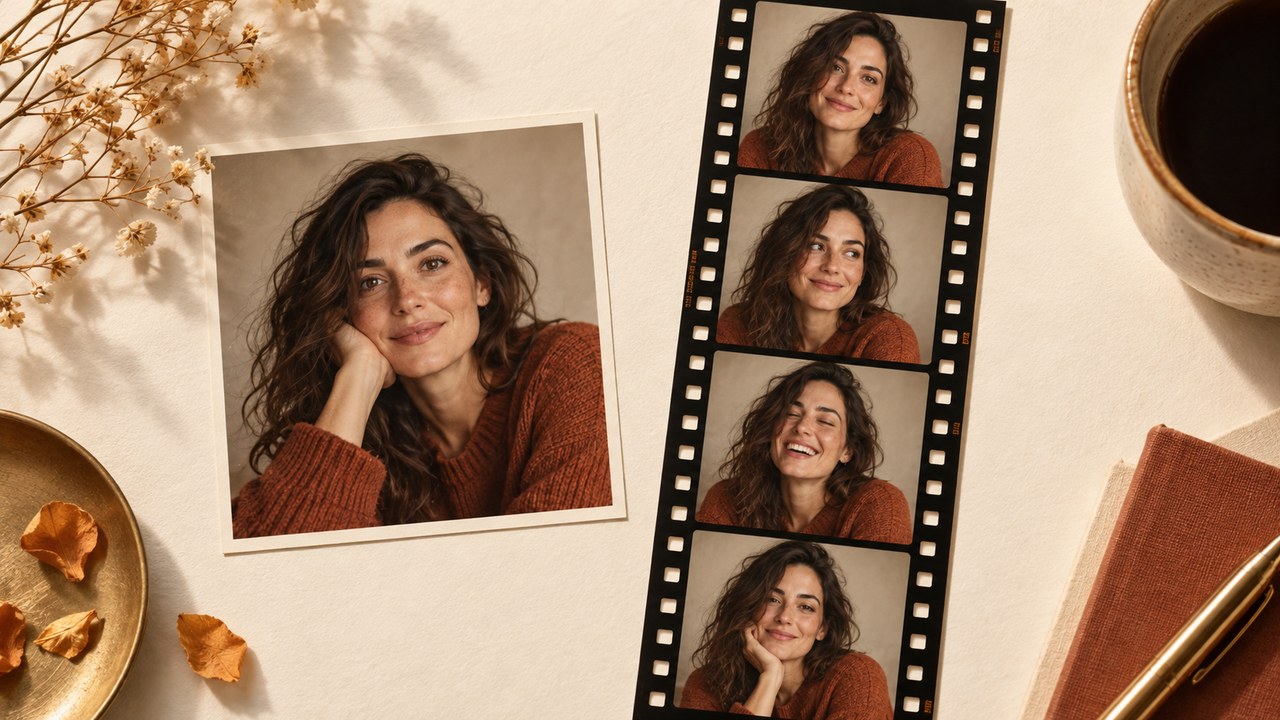
Upload your photo to create a vertical four-frame film strip. Optionally, describe a different frame count, orientation, or vintage style before generating.
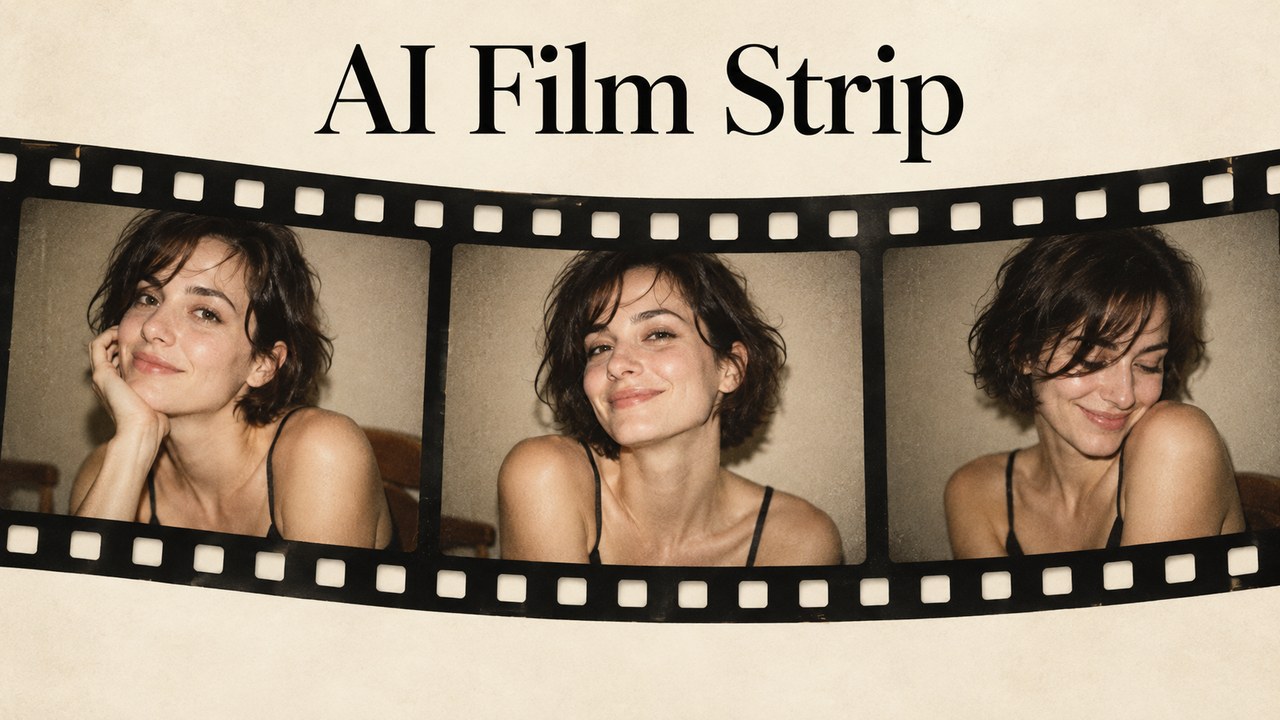
AI Film Strip: Turn One Photo into a Retro Story
Give a favorite photograph the rhythm of a tiny movie with AI Film Strip.
Upload a photo and describe your ideal AI Film Strip: nostalgic booth portraits, cinematic borders, or warm travel memories. This film strip maker helps you explore a connected sequence of images with a mood that feels personal.
How to Create an AI Film Strip
A good AI Film Strip begins with a clear reference and a simple creative direction. Think about the subject, the sequence, and the feeling you want someone to remember. The film strip maker translates that brief into a single composed image, so review the whole arrangement as well as each individual frame.

Choose Your AI Film Strip Reference
Upload one clear photo with an unobstructed subject. For an AI Film Strip portrait, choose natural light and enough space around the face to allow different crops. A film strip maker works from the details you provide, so avoid heavily blurred references. Decide which features must remain recognizable, including clothing, hairstyle, and important objects. A simple background makes it easier to describe a coherent sequence without competing visual details.

Describe the AI Film Strip You Imagine
Tell the film strip maker how many frames you want, whether they run horizontally or vertically, and which mood connects them. An AI Film Strip prompt might request four expressions, cream borders, and subtle grain. Explain whether the subject should remain still or show gentle pose variations. For a focused AI Film Strip, start with one visual idea and give preservation instructions before adding decorative details.

Review Your AI Film Strip and Refine
Inspect the AI Film Strip for consistent faces, believable hands, balanced spacing, and a readable sequence. The film strip maker may interpret some instructions loosely, so check the frame count before keeping a result. If the treatment feels too strong, ask for less grain or softer contrast. Download your preferred AI Film Strip after reviewing it at full size, then place it in your chosen post, album, or design.
Give Every AI Film Strip a Clear Creative Direction
The best AI Film Strip ideas have a reason for each frame. A changed expression creates a playful beat; a tighter crop draws attention to a detail; a consistent border brings the sequence together. Use the film strip maker to explore these decisions in words. Start with the outcome you want, then describe the visual choices that support it.
Build an AI Film Strip Portrait Sequence
An AI Film Strip can turn a single portrait into a small sequence of related expressions. Request a relaxed smile, a thoughtful glance, and a playful final frame while asking to preserve the same facial features and outfit. The film strip maker gives you a way to explore that booth feeling without arranging a new session for every variation. Keep the changes modest when recognizability matters. Your AI Film Strip prompt can specify a steady camera angle, matching lighting, and the same backdrop throughout. Review eyes, jewelry, and hair from frame to frame, because generated variations may drift. A convincing AI Film Strip feels like one person enjoying a moment, with enough variation to create rhythm and enough continuity to hold the composition together.
Choose Your AI Film Strip Vintage Mood
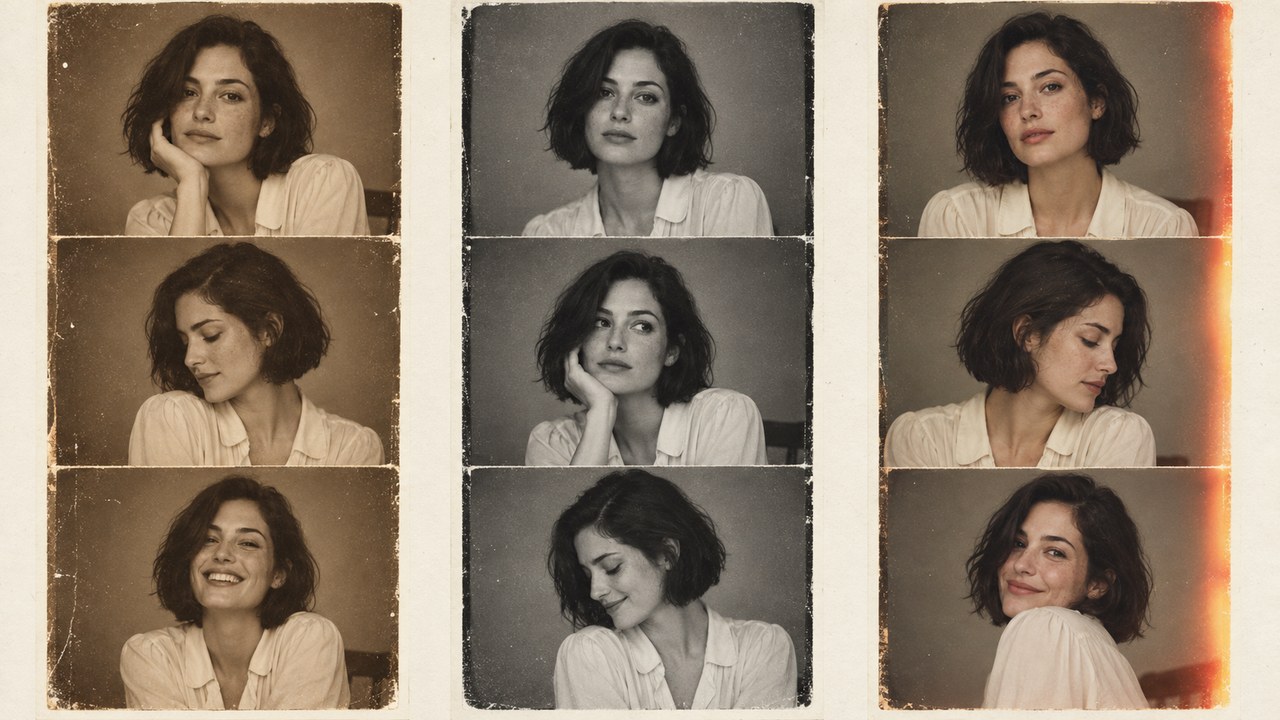
Give your AI Film Strip a visual era through specific details instead of asking only for a retro effect. Warm sepia, gentle flash, softly faded blacks, or a restrained red light leak each suggests a different mood. The film strip maker can interpret those cues together with a cream paper border or dark sprocket edges. For a quieter AI Film Strip, ask for fine grain and clean skin tones rather than heavy scratches over every face. A black and white film strip suits expressive portraits, while muted color can preserve the feeling of a summer afternoon. Compare the treatment with your source photo. Your AI Film Strip should still make the subject easy to read, with texture supporting the memory rather than competing for attention.
Make the Border Part of the Story
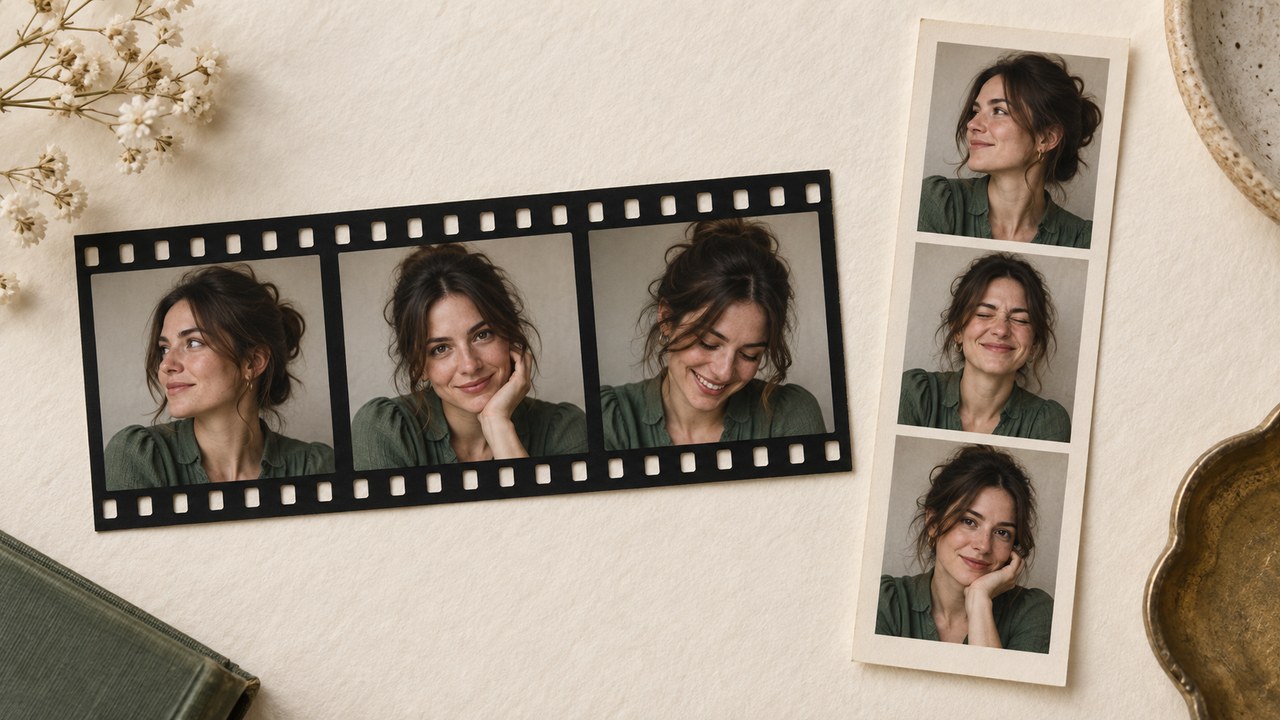
The frame around an AI Film Strip changes how the image is read. Dark borders and sprocket holes suggest photographic film, while a pale margin creates a softer booth print feeling. Tell the film strip maker which visual language matches your project, then describe consistent gaps and comfortable space around the subject. A horizontal AI Film Strip can suggest a cinematic sequence; a vertical arrangement can feel like a pocket keepsake. These are prompt directions rather than a promise of exact layout controls. If the border overwhelms the image, request narrower margins and simpler edges. Review the AI Film Strip for accidental cropping, uneven divisions, and unnecessary symbols. The goal is a frame that makes the sequence feel deliberate while allowing every expression or detail to remain visible.
Turn a Favorite Scene into a Visual Narrative
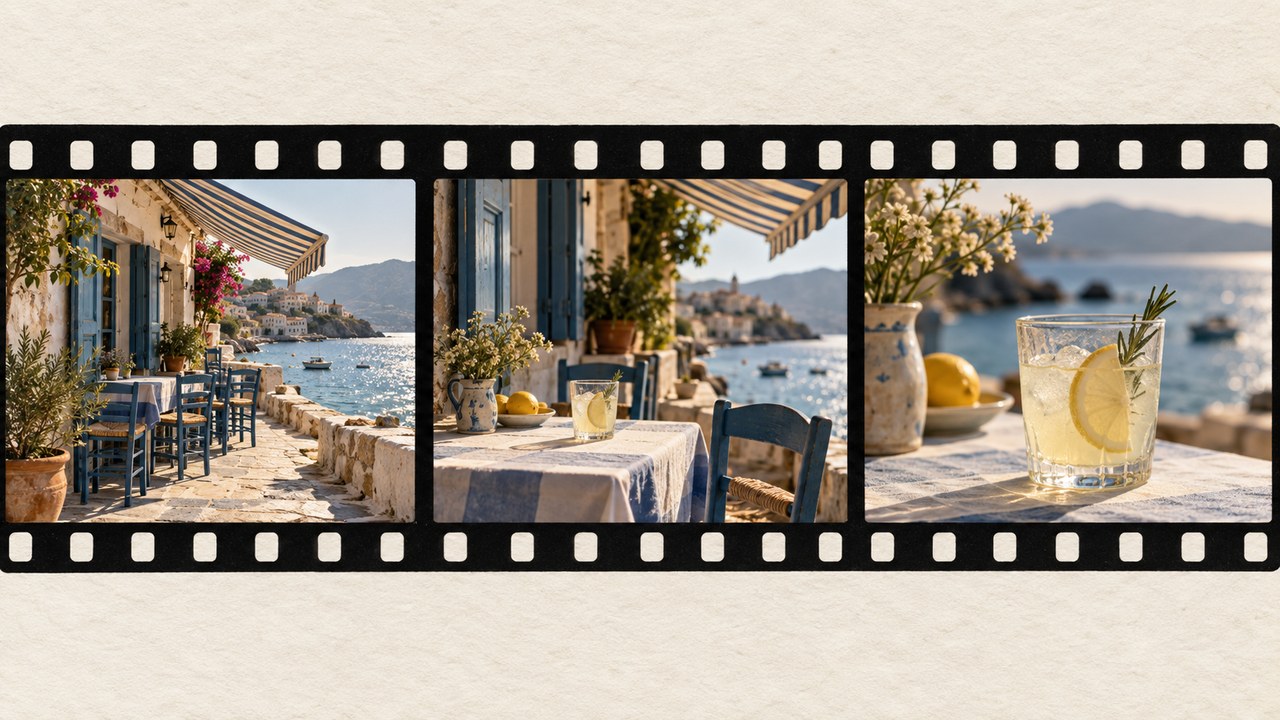
Use an AI Film Strip to explore a short visual story from a travel photo, a pet portrait, or a quiet everyday scene. Describe a progression such as an establishing view, a closer detail, and a final atmospheric crop. The film strip maker can reinterpret the reference, so distinguish between details that must stay and elements that may change. For a travel AI Film Strip, ask to retain the recognizable setting and color palette while varying the composition gently. Generated frames are creative interpretations, not proof of additional moments that actually happened. That distinction helps you use an AI Film Strip confidently in mood boards, personal albums, or concept presentations. Choose a sequence with a clear beginning and ending instead of filling every frame with unrelated scenery.
Where Your AI Film Strip Can Go
An AI Film Strip works best when its mood matches the occasion. Use the film strip maker for personal memories, editorial experiments, and visual concepts that benefit from a compact sequence. These ideas are starting points: adapt the clothing, setting, and tone to your own reference instead of treating any example as a fixed template.

AI Film Strip for Personal Keepsakes
Make an AI Film Strip from a favorite portrait to add a playful page to a journal or scrapbook. Ask for a vintage photo booth strip with gentle expression changes and a plain background. The film strip maker can help establish a consistent mood before you decide where to place the image. Leave room for a handwritten note outside the generated frames if a date or message matters. An AI Film Strip is also a useful starting point for a small gift design, but inspect the actual downloaded dimensions before selecting a print size. Keep a copy of the original photograph alongside the creative version so the real memory and the stylized interpretation remain easy to distinguish.

AI Film Strip for Social Storytelling
Create an AI Film Strip that gives a social post a clear visual rhythm. A sequence of calm, curious, and joyful expressions can communicate a mood without a long caption. Describe the intended crop to the film strip maker and keep the background simple enough for smaller displays. Review your AI Film Strip after placing it in the destination layout, because a platform may crop outer borders or the final frame. If you want a film strip collage from one photo, explain which features should repeat and which expressions may vary. An AI Film Strip can become part of a broader visual series when you reuse a consistent palette and border treatment across separate posts.
AI Film Strip for Couples and Celebrations
An AI Film Strip can reimagine a shared photograph as a warm sequence for an anniversary page or celebration mood board. Use a reference that already includes both people when you want them together. Tell the film strip maker to preserve their recognizable features, clothing, and relative positions. A couple photo strip idea works especially well with gentle changes, such as a shared smile or a subtle turn toward the camera. Inspect each person separately in the AI Film Strip, including hands and overlapping shoulders. Keep captions outside the image if exact spelling is essential. The finished AI Film Strip should feel affectionate and coherent without relying on busy props or exaggerated changes in appearance.

AI Film Strip for Creative Planning
Use an AI Film Strip to communicate a photographic direction before a portrait session or editorial project. Describe the lighting, emotional progression, and framing you want the team to discuss. A film strip maker gives those decisions a shared visual reference, helping people compare a restrained sequence with a more expressive alternative. Label the AI Film Strip as concept imagery when presenting it so nobody confuses it with a completed shoot or documentary record. Look at what each frame contributes: opening context, a central expression, or a closing detail. An AI Film Strip is most useful here when it sparks a specific discussion about pacing and mood, rather than promising that a future photograph will match every generated detail.
AI Film Strip Creative Scenarios
These fictional examples illustrate possible AI Film Strip workflows. They are sample scenarios, not verified customer reviews or claims about measured results.
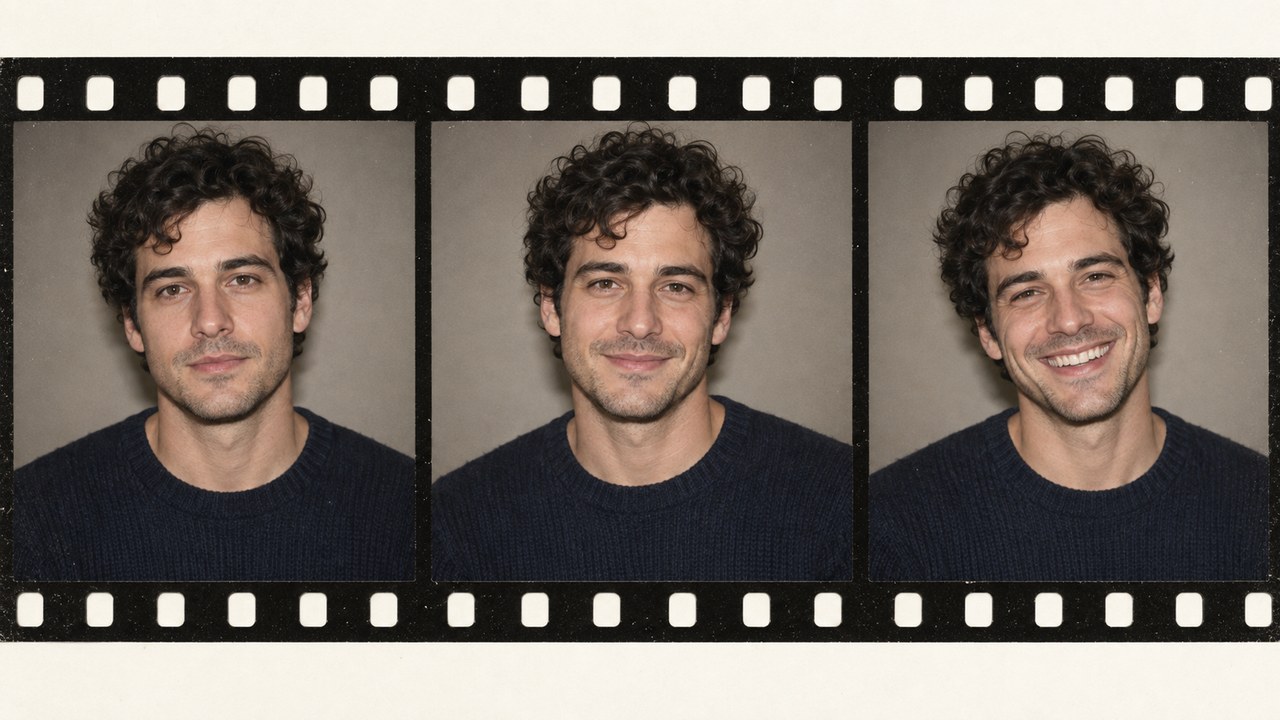
For a journal spread, Maya imagines an AI Film Strip with warm cream borders and three subtle expressions. Her film strip maker brief keeps the original sweater and hairstyle unchanged. She reviews the sequence for recognizable details, then adds her own handwritten date beside the image.
For a journal spread, Maya imagines an AI Film Strip with warm cream borders and three subtle expressions. Her film strip maker brief keeps the original sweater and hairstyle unchanged. She reviews the sequence for recognizable details, then adds her own handwritten date beside the image.
For a session mood board, Ethan uses an AI Film Strip concept to explain a progression from quiet to playful. The film strip maker brief focuses on steady lighting and modest pose changes. He presents the image as a creative reference, leaving the final photographic decisions for the shoot.
For a session mood board, Ethan uses an AI Film Strip concept to explain a progression from quiet to playful. The film strip maker brief focuses on steady lighting and modest pose changes. He presents the image as a creative reference, leaving the final photographic decisions for the shoot.
For a coastal journal entry, Lena imagines an AI Film Strip that moves from a wider scene to a closer detail. She asks the film strip maker for muted colors and restrained grain. The composition helps her plan the page while keeping the original travel photograph available.
For a coastal journal entry, Lena imagines an AI Film Strip that moves from a wider scene to a closer detail. She asks the film strip maker for muted colors and restrained grain. The composition helps her plan the page while keeping the original travel photograph available.
For an editorial discussion, Oliver prepares an AI Film Strip concept with dark sprocket borders and consistent crops. His film strip maker brief avoids extra text and unrelated props. The resulting direction becomes a starting point for discussing pacing, expression, and the relationship between neighboring frames.
For an editorial discussion, Oliver prepares an AI Film Strip concept with dark sprocket borders and consistent crops. His film strip maker brief avoids extra text and unrelated props. The resulting direction becomes a starting point for discussing pacing, expression, and the relationship between neighboring frames.




AI Film Strip Questions Answered
Plan your AI Film Strip with clear expectations about references, prompts, and generated details.
It is a generated image arranged to resemble a photographic film sequence or booth print. An AI Film Strip combines related frames, borders, and a chosen visual treatment into one composition rather than producing a playable movie.
Yes, the intended workflow starts with one uploaded reference and a written direction. Ask the film strip maker to preserve the subject while varying expressions or crops, then inspect the result for recognizable features and consistent details.
Specify the frame count, orientation, subject details to preserve, and desired mood. For example: create four vertical portraits with cream borders, gentle expression changes, warm flash, and fine grain; keep the face, hairstyle, and clothing recognizable.
No, generated images can alter faces, hands, accessories, and backgrounds. Review every frame against the source, especially when identity matters. A narrower prompt and smaller pose changes may help, but they do not guarantee an exact match.
You can prepare the downloaded image for printing if its dimensions support your intended size. Check the file first, leave safe margins, and make a small proof. The film strip maker does not replace print layout or color checking.
Free access, credits, and download conditions depend on the website offering the generator. Check the current controls and pricing before generating. This page describes the creative workflow without promising unlimited use or a particular export entitlement.
Create an AI Film Strip Worth Keeping
Choose a photograph with a story behind it, decide on a mood, and write a focused AI Film Strip prompt. Start with simple borders and a small number of frames, then refine the details that make the result feel like yours.